
Image to SVG for xTool
Make a cut-ready SVG for your xTool in seconds. Use Colour layers mode to get one path per colour. That is great for layered vinyl or engraving in steps.
Convert an imageSVG and DXF · Works with Cricut, Silhouette, Glowforge, xTool and more

Our SVG and DXF files open in
- Cricut Design Space
- Silhouette Studio
- Glowforge
- xTool Creative Space
- LightBurn
- Brother CanvasWorkspace
- Inkscape
- Adobe Illustrator
- Affinity Designer
- CorelDRAW
- Fusion 360
- Easel
Converter
Upload an image, tweak the look and download your cut file.
PNG, JPG or WebP
Single colour makes one cut layer, like a sticker shape. Colour layers makes one layer for each colour, for layered vinyl.
How many colour layers to make. It only works in Colour layers mode. More colours means more pieces to cut and weed.
How closely the cut follows small shapes. Higher keeps fine detail. Lower gives simpler cuts that are easier to weed.
Rounds off jagged edges. Higher gives smoother curves. Lower keeps sharp corners.
What counts as dark in Single colour mode. Raise it to keep more of the image. Lower it to keep only the darkest parts.
Removes the plain background around your image. Raise it if bits of background stay. Set it to Off to keep everything.
Drops tiny bits smaller than this size. Raise it to get rid of dots and dust. Lower it to keep small details.
How wide your cut file will be, in millimetres. The height changes to match, so the shape stays the same.
Swaps the shape and the empty space. Use it to make a stencil.
Flips your design left to right. Turn it on for iron-on vinyl (HTV), because you cut it face down.
That's all the free downloads for today
Free downloads are 3 a day for each email and each internet connection, whichever runs out first. They come back at midnight. Pro has no daily limit.
See ProWhich setting do I need?
Fix a problem
- Too many tiny bits? Raise Ignore specks.
- Edges look jagged? Raise Smoothing.
- Lost thin lines or small text? Raise Detail, or lower Ignore specks.
- Background still there? Raise Background removal.
- Shape looks thin or broken? Raise Threshold.
- Too much is filled in? Lower Threshold.
Pick a goal
- Iron-on vinyl (HTV)? Turn on Mirror. You cut it face down.
- Layered vinyl? Pick Colour layers, then set Colours.
- A stencil? Turn on Invert.
- A set size? Type the width in Width (mm).
What each setting does
- Mode
- Single colour makes one cut layer, like a sticker shape. Colour layers makes one layer for each colour, for layered vinyl.
- Colours
- How many colour layers to make. It only works in Colour layers mode. More colours means more pieces to cut and weed.
- Detail
- How closely the cut follows small shapes. Higher keeps fine detail. Lower gives simpler cuts that are easier to weed.
- Smoothing
- Rounds off jagged edges. Higher gives smoother curves. Lower keeps sharp corners.
- Threshold
- What counts as dark in Single colour mode. Raise it to keep more of the image. Lower it to keep only the darkest parts.
- Background removal
- Removes the plain background around your image. Raise it if bits of background stay. Set it to Off to keep everything.
- Ignore specks
- Drops tiny bits smaller than this size. Raise it to get rid of dots and dust. Lower it to keep small details.
- Width (mm)
- How wide your cut file will be, in millimetres. The height changes to match, so the shape stays the same.
- Invert
- Swaps the shape and the empty space. Use it to make a stencil.
- Mirror
- Flips your design left to right. Turn it on for iron-on vinyl (HTV), because you cut it face down.
Using your SVG in xTool Creative Space (XCS) or LightBurn
In XCS, import the file and set each layer to Cut or Engrave. Our SVG is sized in millimetres, so it should come in at the size you chose. Check the size after import.
XCS and LightBurn both open SVG and DXF.
Best settings for xTool projects
- Simple logos and text: use Single colour mode. Set Detail to 6–8 and Smoothing to 3–5.
- Layered wood, acrylic and slate designs: use Colour layers mode with 2–4 layers.
- Set the width in mm to the size you will cut. Then you won't need to resize it in xTool Creative Space (XCS) or LightBurn.
How it works
Three steps. No password needed.
- 1
Upload
Pick a PNG, JPG or WebP. Clear PNGs keep their see-through parts.
- 2
Tune
Change the detail, smoothing, layers and background. The preview updates as you go.
- 3
Download
Save an SVG with one path per colour, or a DXF in millimetres with closed shapes.
Works with your machine
Our files open in the apps you already use.
Cricut
SVG for Design Space
Silhouette
DXF in any edition, SVG in Designer
Glowforge
SVG, with one step per colour
xTool
SVG or DXF in Creative Space
LightBurn
DXF or SVG for most lasers
Brother ScanNCut
SVG for CanvasWorkspace
CNC and CAD
DXF in millimetres
Other apps
Any app that opens SVG or DXF
Brand names belong to their owners. CutSprout is not linked to them.
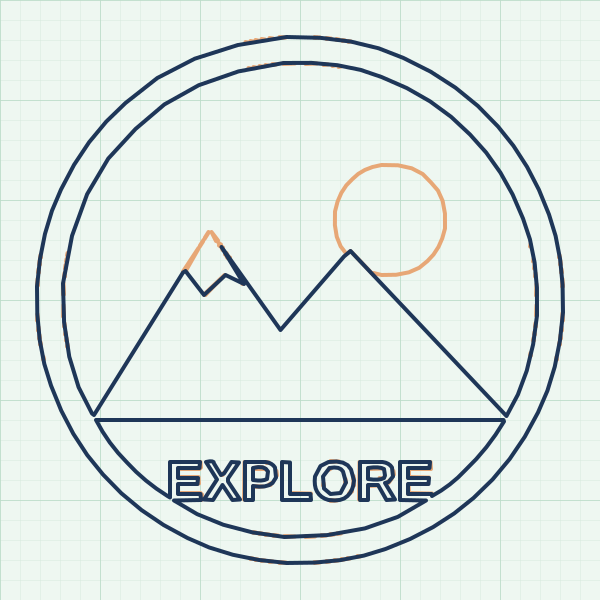
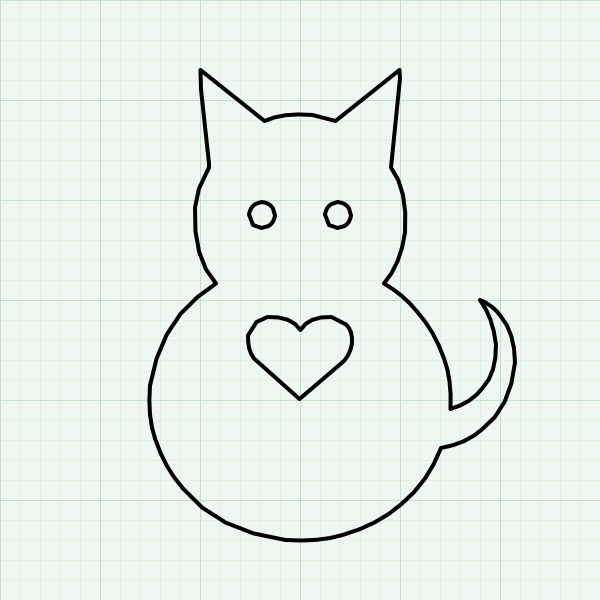
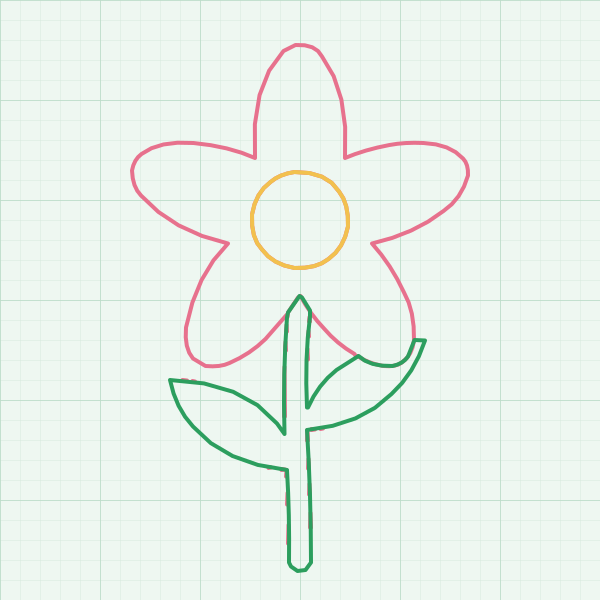
Before and after
Real images, traced by this converter. The right side shows the cut lines your machine will follow.


Simple pricing
Start free. Go Pro when you need more.
Pro
Best for makers$7.99/month
- Unlimited downloads
- Sharper traces, up to 2400px
- Convert many images at once
- Or pay $19 once for lifetime Pro
You pay first, then Pro turns on. No surprise charges. Cancel anytime.
Already paid? Enter your licence key · Manage subscription
Questions
Are my images uploaded?
No. The converter runs in your browser. Your image never leaves your device.
What do you track?
We count simple events: page views, uploads, downloads, hitting the free limit, starting checkout and purchases. We keep them only as daily totals. We use no cookies, and we store no IP addresses or personal data with them.
To run the free daily limit, we keep a one-way code made from your connection. It changes every day and is gone within 2 days.
If you join our email list, our email tool (MailerLite) notes where you signed up and whether you have tried a download or bought Pro. That helps us send emails that fit. You can unsubscribe anytime.
Will the file cut cleanly?
Yes. Every shape is a closed path. Holes, like the middle of an "O", are kept as their own inner paths, so your machine cuts them right.
Should I pick SVG or DXF?
Cricut Design Space and Glowforge like SVG. Silhouette Basic, LightBurn, xTool and CAD apps take DXF. Silhouette Designer Edition takes both.
What size is the file?
You set the width in millimetres. The height follows the shape of your image.
Can I cancel?
Yes, anytime. Click "Manage subscription" under Pricing. Enter your licence key and email to open the Stripe billing page.
Get free cut-file tips
Short emails with tips for cleaner cuts. Unsubscribe anytime.